Choosing the right code editor can make learning programming much easier. A good editor helps you write cleaner code, spot mistakes quickly, and stay organized while working on projects. If you’re searching for the best free code editors for beginners, you don’t need to spend money to get professional features. Several excellent free editors are available that are perfect for students and new developers.
In this guide, we’ll explore the best free code editors you can start using today, along with their features, strengths, and which one is best for your learning journey.
What Is a Code Editor?
A code editor is software designed specifically for writing and editing programming code.
Unlike a basic text editor, a code editor includes helpful features such as:
- Syntax highlighting
- Auto-completion
- Error detection
- Code formatting
- File management
- Extension support
These features make programming faster and reduce common mistakes.
Why Beginners Need a Good Code Editor
When you’re just starting, it’s easy to get frustrated by simple typing errors or messy code.
A beginner-friendly code editor helps you:
- Write code more efficiently
- Understand programming syntax
- Organize projects easily
- Detect mistakes before running your code
- Learn modern development tools
Using the right editor allows you to focus on learning programming instead of struggling with your software.
1. Visual Studio Code
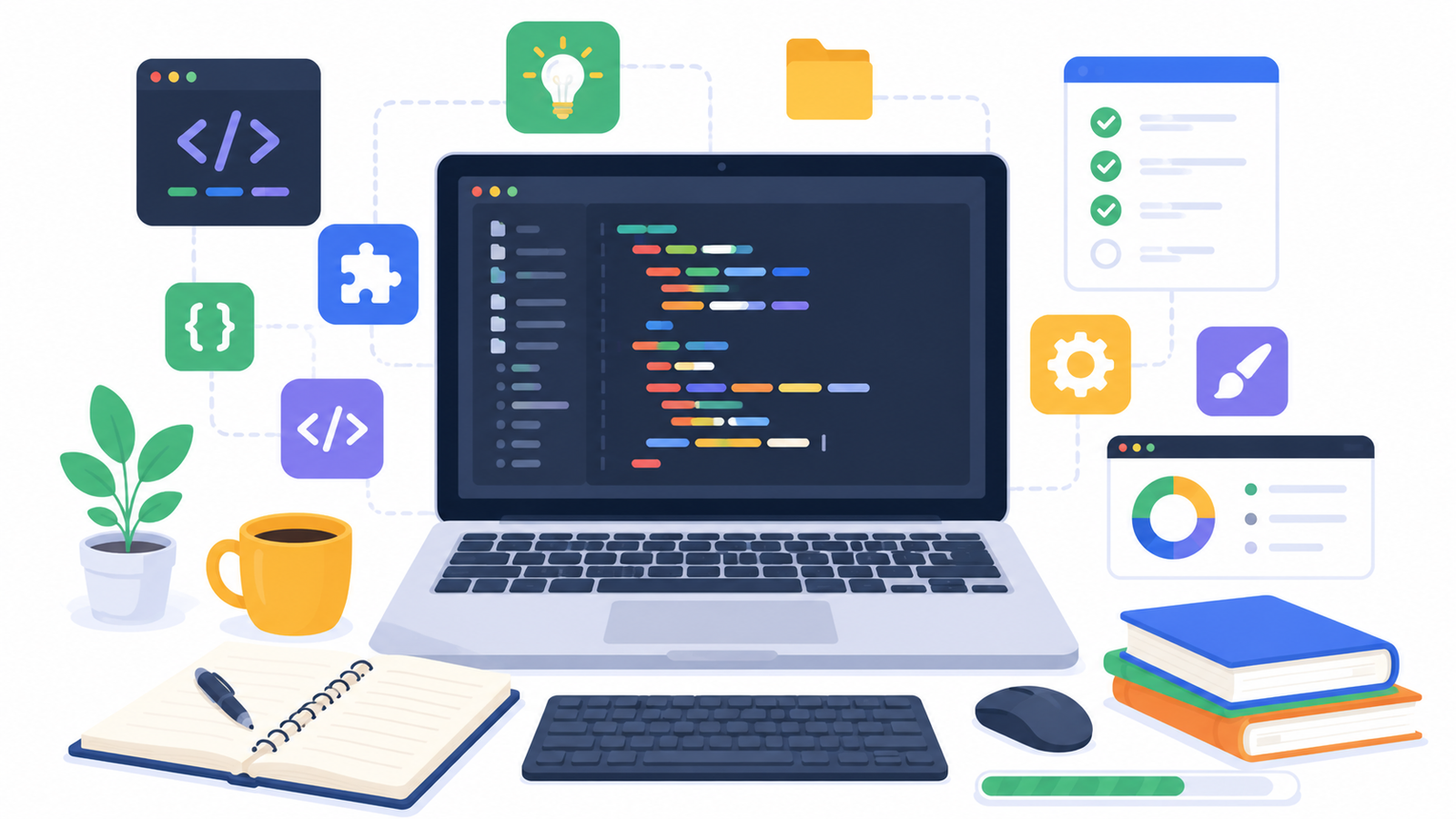
Visual Studio Code (VS Code) is one of the most popular code editors in the world.
Despite being lightweight and free, it includes many professional features.
Some highlights include:
- Intelligent code completion
- Built-in terminal
- Git integration
- Extension marketplace
- Debugging tools
- Multiple programming language support
Whether you’re learning Python, JavaScript, HTML, CSS, Java, or C++, VS Code handles them all exceptionally well.
Best for:
- Complete beginners
- Web development
- Python programming
- Professional development
2. Notepad++
If you’re using Windows, Notepad++ is an excellent lightweight editor.
It’s simple, fast, and doesn’t overwhelm beginners with unnecessary features.
Benefits include:
- Fast performance
- Multiple tabs
- Syntax highlighting
- Plugin support
- Small installation size
It’s ideal for practicing HTML, CSS, JavaScript, and small programming exercises.
3. Sublime Text
Sublime Text is famous for its speed and clean interface.
Although it offers a paid license, you can continue using it for free.
Features include:
- Lightning-fast performance
- Multiple cursors
- Split editing
- Command palette
- Custom themes
Many experienced developers still use Sublime Text because of its simplicity.
4. Geany
Geany is a lightweight code editor that works well on Windows, Linux, and macOS.
It includes several useful features without consuming many system resources.
Highlights:
- Built-in compiler support
- Syntax highlighting
- Auto-completion
- Project management
- Fast startup
It’s a great option if you’re using an older computer.
5. Brackets
Brackets was designed mainly for web development.
Its live preview feature allows beginners to see HTML and CSS changes instantly inside the browser.
It’s especially useful for learning:
- HTML
- CSS
- JavaScript
Seeing changes immediately makes learning web design much more enjoyable.
6. Vim
Vim is a powerful editor used by many professional developers.
However, beginners should know that it has a steep learning curve because it relies heavily on keyboard shortcuts.
If you’re interested in Linux or system programming, learning Vim can be valuable later.
For complete beginners, though, VS Code is usually a much easier starting point.
Example: Writing Your First Python Program
Regardless of the editor you choose, writing your first program is simple.
Example:
python id="2jzkxm" print("Hello, World!")
Most modern editors will automatically highlight keywords and help you identify syntax errors as you type.
This makes learning programming much smoother.
Features to Look for in a Beginner Code Editor
When choosing your first editor, prioritize these features:
- Syntax highlighting
- Auto-complete suggestions
- Easy installation
- Extension support
- Integrated terminal
- Fast performance
- Beginner-friendly interface
You don’t need every advanced feature right away.
Choose something simple that helps you stay focused on learning.
Which Code Editor Should You Choose?
Here’s a quick comparison.
Choose Visual Studio Code if you want:
- Professional features
- Wide language support
- Thousands of extensions
- Long-term learning
Choose Notepad++ if you want:
- Lightweight software
- Fast startup
- Simple interface
Choose Sublime Text if you want:
- Speed
- Minimal design
- Powerful editing shortcuts
Choose Geany if you have:
- An older computer
- Limited system resources
Choose Brackets if you’re learning:
- HTML
- CSS
- Front-end web development
Each editor has its strengths, but VS Code is generally the best all-around option for beginners.
Helpful Tips for Beginners
Once you’ve installed your editor:
- Create a dedicated folder for projects.
- Save your files regularly.
- Learn keyboard shortcuts gradually.
- Install only essential extensions.
- Keep your workspace organized.
- Practice writing code every day.
Small habits like these make programming much more enjoyable.
Avoid These Beginner Mistakes
Many new programmers make these common mistakes:
- Installing too many extensions.
- Constantly switching between editors.
- Ignoring formatting.
- Writing all projects in one file.
- Not learning basic keyboard shortcuts.
Instead of chasing the “perfect” editor, spend your energy writing code.
The editor is simply a tool—the real progress comes from consistent practice.
Final Thoughts
Finding the best free code editors for beginners doesn’t have to be complicated. Whether you choose Visual Studio Code, Notepad++, Sublime Text, Geany, Brackets, or eventually Vim, each editor can help you build strong programming skills without costing anything.
For most beginners, Visual Studio Code offers the best balance of simplicity, powerful features, and long-term usability. It supports nearly every programming language, has excellent documentation, and grows with you as your skills improve.
Pick one editor today, write your first program, and spend your time practicing instead of searching for more tools. As you gain experience, you’ll naturally discover which editor fits your workflow best. If you already have a favorite code editor, share your experience in the comments and help other beginners make the right choice.