Learning to code has never been more accessible. Whether you want to become a web developer, build mobile apps, explore artificial intelligence, or simply learn a valuable new skill, there are plenty of excellent free resources available. If you’re searching for the best free websites to learn coding in 2026, this guide will help you choose platforms that actually teach practical programming skills.
The best part? You don’t need an expensive bootcamp to get started. With consistency and the right learning path, you can build a strong programming foundation without spending a single dollar.
Why Learn Coding from Free Websites?
Free coding platforms have improved dramatically over the past few years. Many now offer interactive lessons, coding challenges, real-world projects, and even certifications.
Learning from free websites allows you to:
- Explore different programming languages before committing.
- Learn at your own pace.
- Practice coding directly in your browser.
- Build projects without expensive software.
- Save money while gaining valuable skills.
For beginners, these platforms provide everything needed to start coding confidently.
1. freeCodeCamp
If someone asks for the best free website to learn coding, freeCodeCamp is usually one of the first recommendations.
It offers thousands of hours of completely free lessons covering:
- HTML
- CSS
- JavaScript
- Python
- Data Analysis
- Machine Learning
- APIs
- Responsive Web Design
One of its biggest strengths is project-based learning. Instead of only reading theory, you’ll build websites and applications as you progress.
The platform also provides certifications after completing each learning path.
Best for:
- Complete beginners
- Web development
- Portfolio building
2. Codecademy (Free Plan)
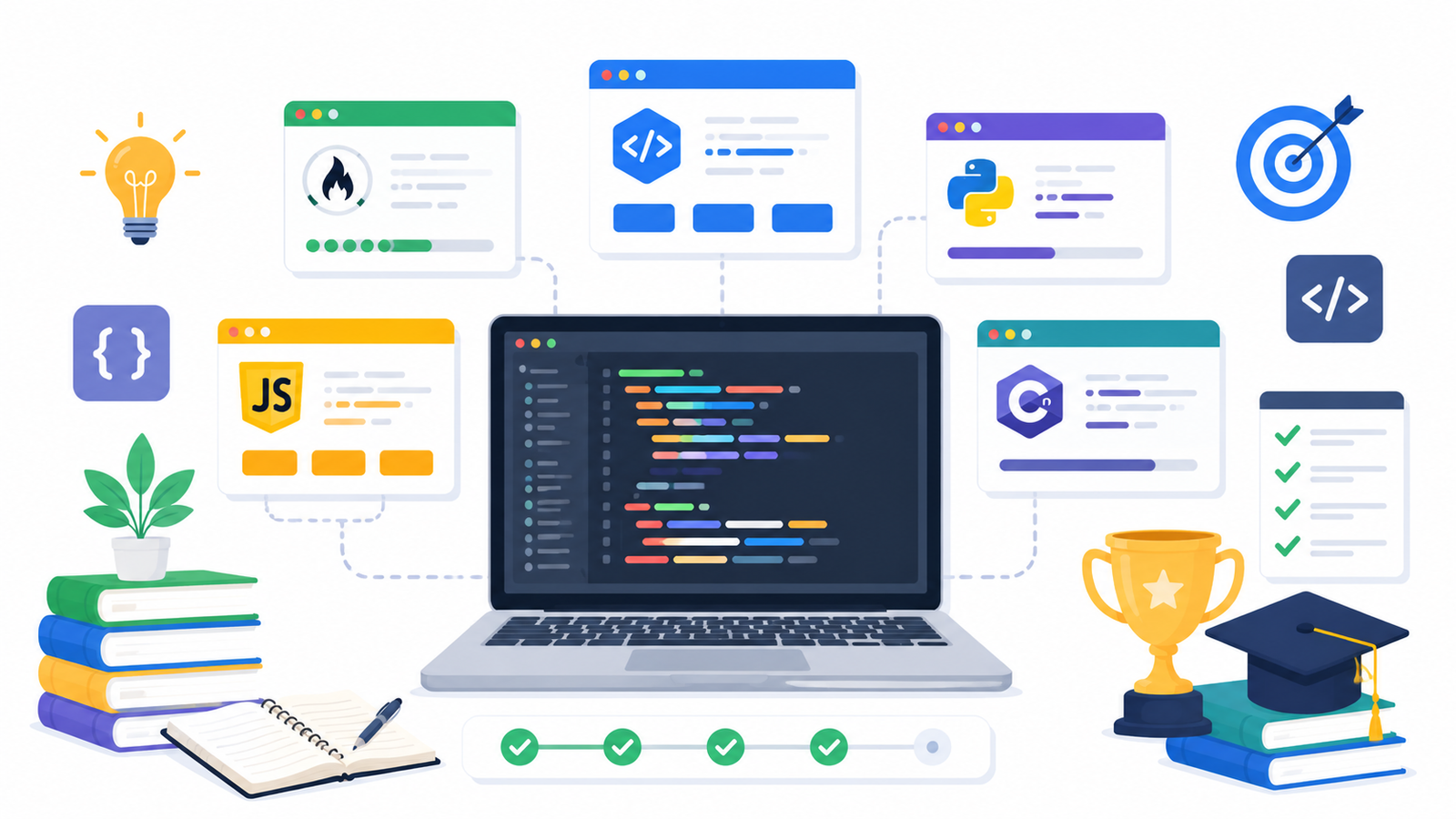
Codecademy offers interactive lessons where you write code directly inside your browser.
The free plan includes introductory courses for popular languages such as:
- Python
- JavaScript
- HTML
- CSS
- SQL
Each lesson provides instant feedback, making it easier to understand mistakes.
Although some advanced features require a subscription, beginners can learn plenty without paying.
3. W3Schools
W3Schools has helped millions of new programmers understand web development.
Its simple explanations make learning much less intimidating.
You can quickly find tutorials for:
- HTML
- CSS
- JavaScript
- PHP
- Python
- SQL
- Bootstrap
- React basics
A particularly useful feature is the built-in “Try It Yourself” editor, where you can experiment with code immediately.
Example:
<h1>Hello, World!</h1>
<p>Welcome to coding.</p>
You can edit the code and instantly see the result.
4. Harvard CS50
If you want a stronger computer science foundation, Harvard’s CS50 course is one of the best free resources available.
It teaches much more than programming syntax.
Topics include:
- Algorithms
- Data structures
- Memory
- Security
- Databases
- Software development principles
The lectures are challenging but beginner-friendly enough for motivated learners.
5. The Odin Project
The Odin Project focuses on helping students become job-ready web developers.
Instead of short lessons, it provides complete learning paths covering:
- Git
- GitHub
- HTML
- CSS
- JavaScript
- Node.js
- React
You’ll spend most of your time building real projects instead of watching endless videos.
This makes it one of the best free coding websites for aspiring developers.
6. Khan Academy
Khan Academy offers beginner-friendly programming courses with a fun and visual approach.
Popular topics include:
- JavaScript
- HTML
- CSS
- Computer animation
- Basic programming concepts
The lessons are especially suitable for younger learners or anyone who prefers slower-paced instruction.
7. SoloLearn
SoloLearn is ideal if you like learning on your phone.
The platform offers short interactive lessons covering:
- Python
- Java
- C++
- JavaScript
- SQL
- C
- HTML
- CSS
Daily practice exercises make it easier to stay consistent.
Its community section also allows learners to ask questions and share solutions.
How to Choose the Right Coding Website
Not every platform fits every learner.
Ask yourself these questions:
- Do I prefer videos or interactive exercises?
- Do I want certificates?
- Am I learning for fun or a career?
- Do I want to build projects immediately?
For example:
If you enjoy interactive practice, Codecademy may be the better choice.
If you want to build a professional portfolio, freeCodeCamp or The Odin Project are excellent options.
If you prefer understanding computer science fundamentals, Harvard CS50 is hard to beat.
Create a Learning Plan
Using multiple websites is completely fine, but avoid jumping randomly between dozens of courses.
A simple learning plan could look like this:
Week 1–2
- Learn HTML
- Learn CSS
Week 3–5
- JavaScript basics
- Small web projects
Week 6–8
- Git and GitHub
- Build a portfolio website
Week 9 onward
- Choose Python or React
- Build larger projects
Having a roadmap keeps you focused and motivated.
Practice What You Learn
Watching tutorials alone won’t make you a programmer.
After each lesson, create something small.
For example:
After learning HTML:
- Personal profile page
After learning CSS:
- Landing page design
After learning JavaScript:
let name = "Alex";
console.log("Welcome, " + name + "!");
Then modify the code:
- Ask for user input.
- Display different messages.
- Add conditions.
Experimenting with code helps you understand programming much faster.
Tips to Learn Coding Faster
To get the most from these free websites:
- Code every day, even if only for 30 minutes.
- Build small projects regularly.
- Don’t memorize—understand concepts.
- Read error messages carefully.
- Keep notes while learning.
- Review previous lessons every week.
- Join coding communities for motivation.
Progress comes from consistent practice rather than rushing through lessons.
Final Thoughts
The best free websites to learn coding in 2026 make it possible for anyone to start programming without spending money. Whether you choose freeCodeCamp, Codecademy, W3Schools, Harvard CS50, The Odin Project, Khan Academy, or SoloLearn, the key is sticking with one learning path long enough to build real skills.
Remember, no website can replace consistent practice. Choose a platform that matches your learning style, complete the exercises, build projects, and don’t be afraid to make mistakes. Every bug you fix teaches you something valuable.
Pick one website from this list today, complete your first lesson, and start building your coding journey. If you’ve already used one of these platforms, share your experience in the comments to help other beginners choose the right place to learn.